App Download
Download WalleCube UPS device management mobile app to monitor and manage your UPS devices anytime, anywhere
Download Mobile App
Manage your UPS devices anytime, anywhere with convenient remote monitoring
Core Features
Real-time Monitoring
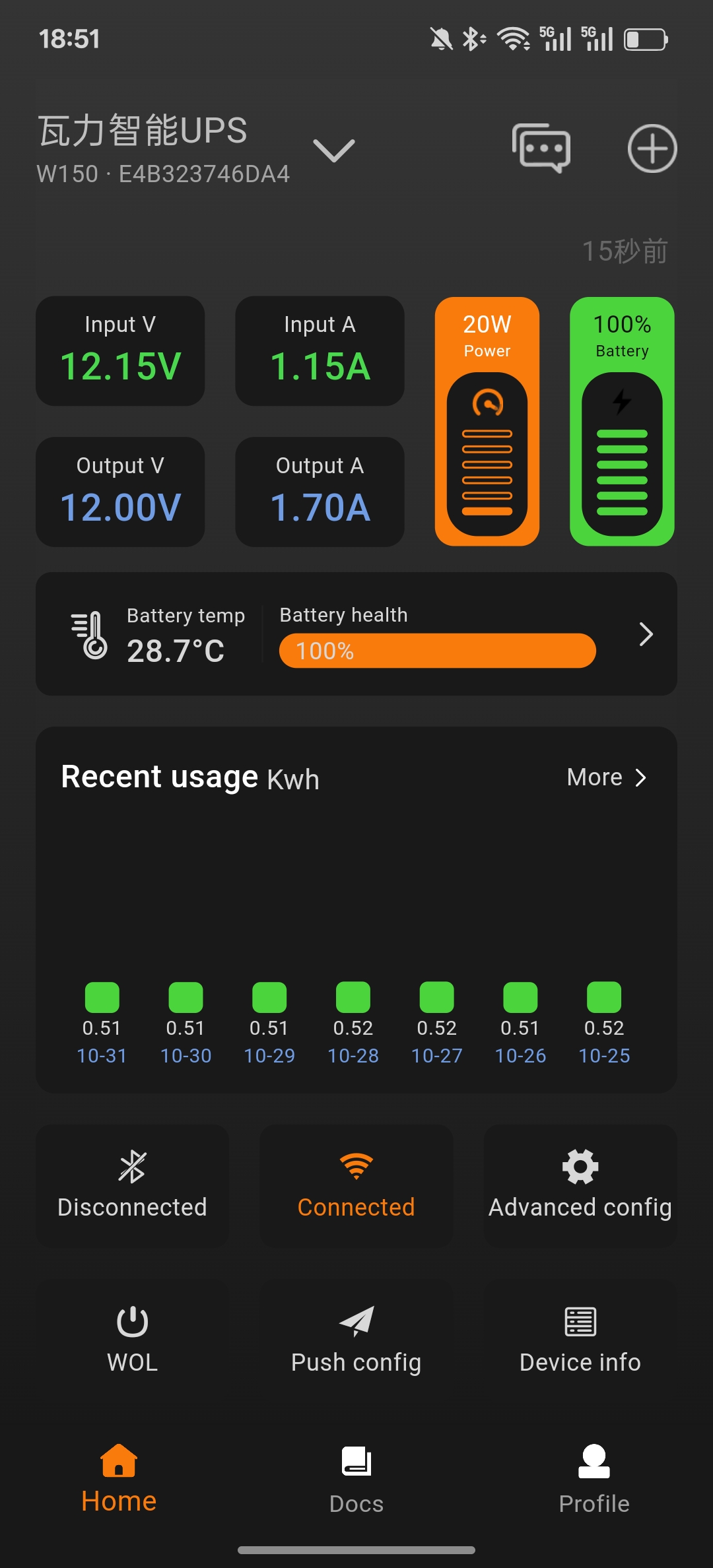
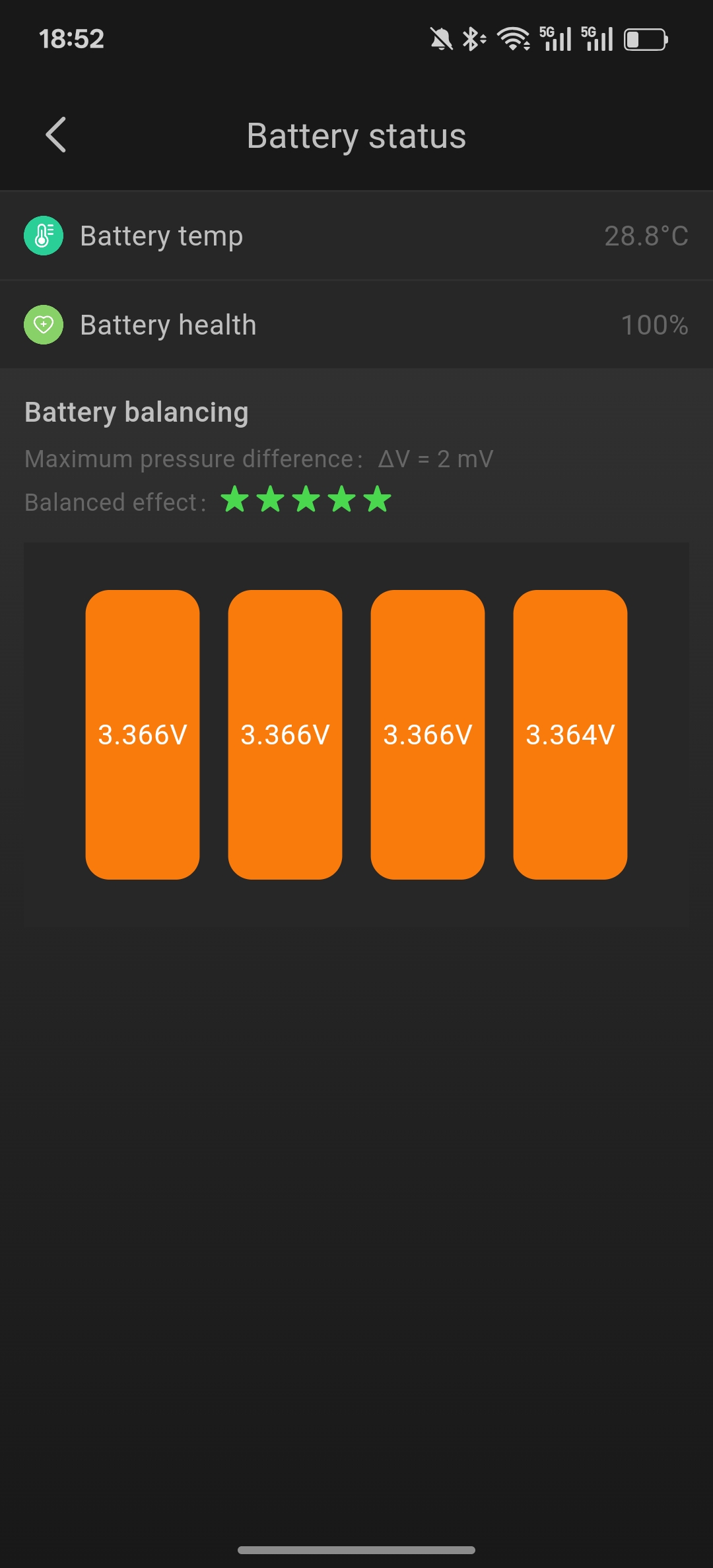
Monitor UPS device status in real-time, including voltage, current, power, temperature and other key parameters, keeping you informed of device operation at all times.
Smart Alerts
Instant push notifications when device anomalies occur, with customizable alert rules to ensure issues are detected and handled immediately.
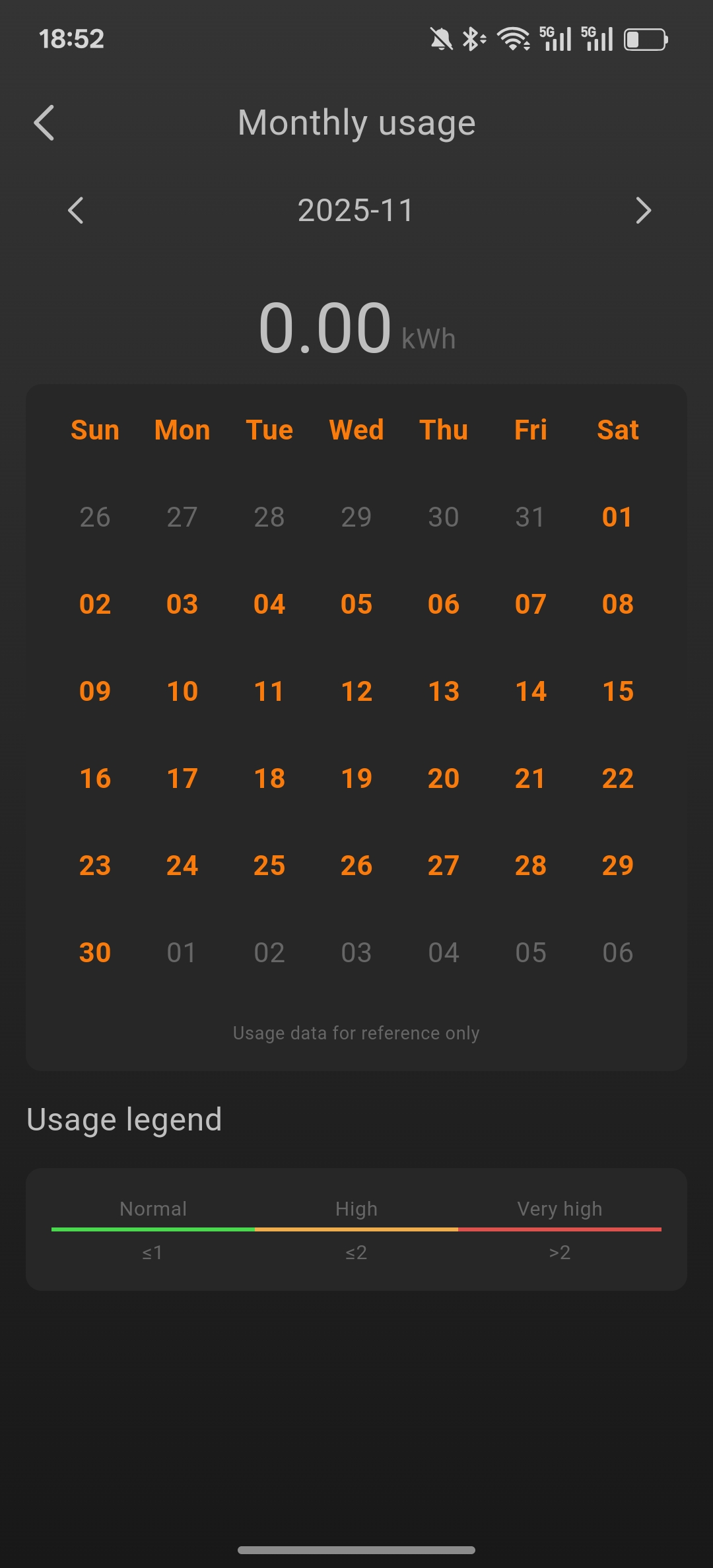
Data Statistics
Detailed historical data records and statistical analysis to help you understand device usage and optimize energy consumption management.
Remote Control
Remotely control UPS devices through the mobile app, including power on/off, parameter settings and other operations, convenient and fast.
Multi-device Management
Support managing multiple UPS devices simultaneously with a unified monitoring interface, facilitating batch management for enterprise users.
Secure & Reliable
Encrypted communication protocols ensure secure data transmission, protecting your device and data privacy.
App Screenshots
About the App
WalleCube UPS Management App is a professional UPS device management tool that provides comprehensive monitoring and management services for your UPS devices.
Key Features
- Easy Management: Easily manage your UPS devices through your mobile phone without requiring professional equipment for configuration
- Real-time Monitoring: 24/7 continuous monitoring of device status to ensure safe and stable operation
- Smart Alerts: Automatic push notifications for device anomalies, keeping you informed of device status immediately
- Data Recording: Complete historical data records to help you analyze device usage and energy consumption
System Requirements
- Android: Android 5.0 and above
- iOS: iOS 12.0 and above
- Network: Internet connection required (Wi-Fi or mobile data)
Usage Instructions
- Download and install the app
- Register an account and log in
- Add your UPS device (scan device QR code or manually enter device ID)
- Start enjoying convenient device management
If you have any questions or suggestions, please feel free to contact us through our Contact page.