Connect WalleCube UPS to Home Assistant
WalleCube Team
1 min read

Table of Contents
Introduction
This guide explains how to connect WalleCube UPS to Home Assistant.
Requirements
This tutorial applies to NAS systems that can share UPS status via NUT Server. Known supported systems include:
- Synology
- QNAP
- UGREEN
- ZSpace
- TerraMaster
Steps
The example below uses Synology DSM. Other NAS systems are similar.
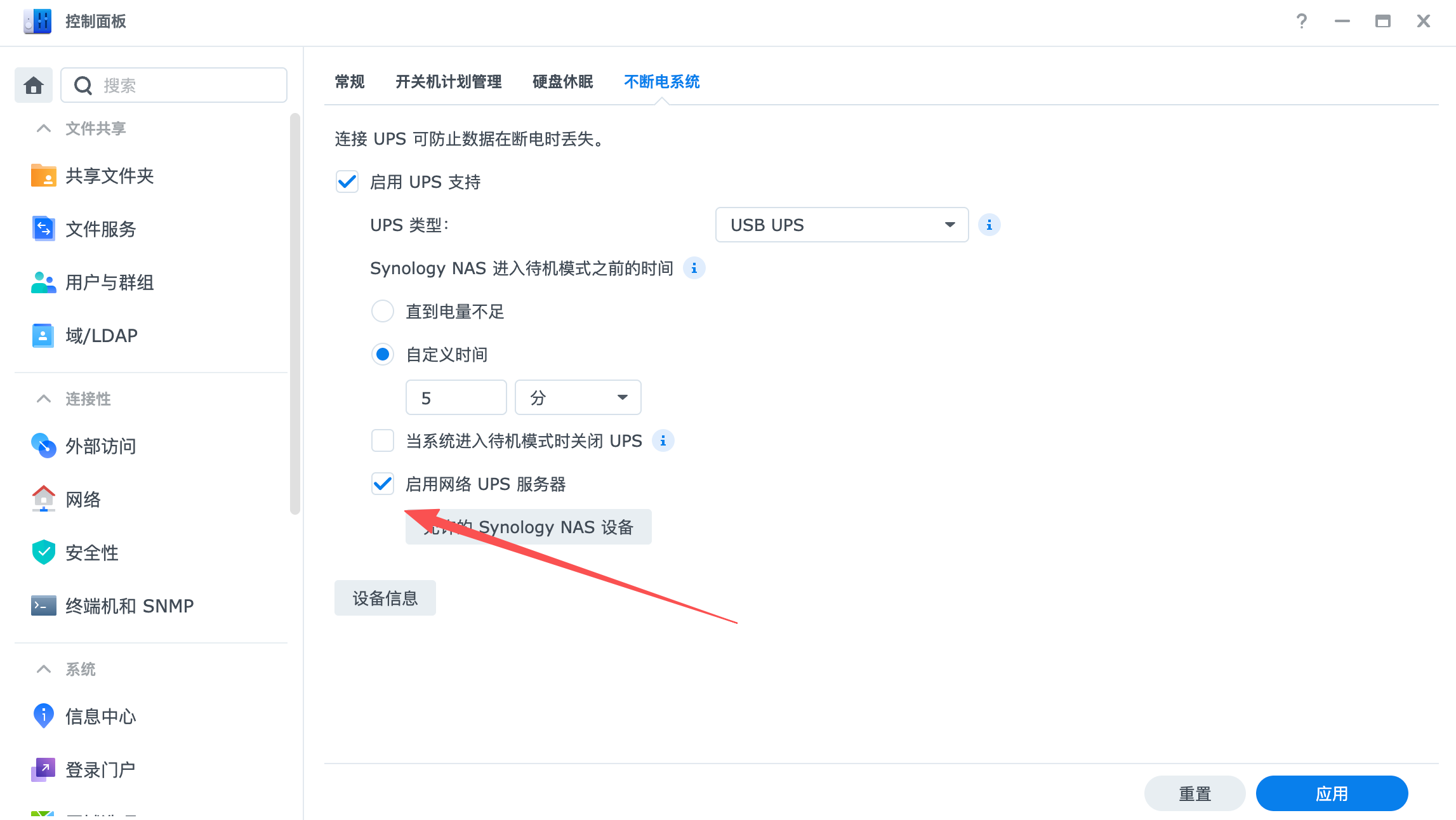
1) Enable NUT Server on NAS
Enable the Network UPS Server option in your NAS settings and save it.
2) Find NAS IP Address
Find the NAS IP address. In this example, the Synology IP is 10.1.1.243.
3) Add NUT Integration in Home Assistant
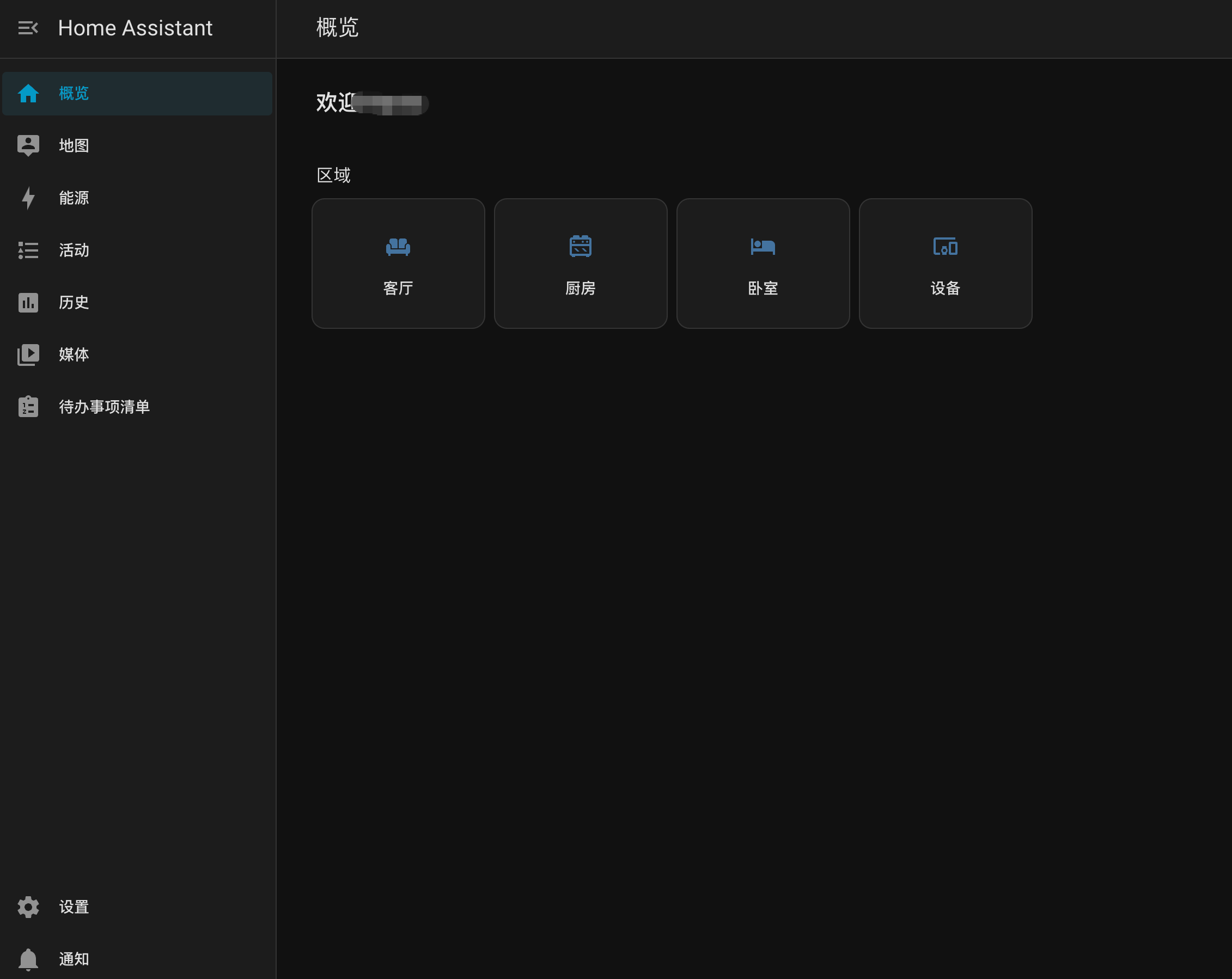
Open and sign in to Home Assistant.
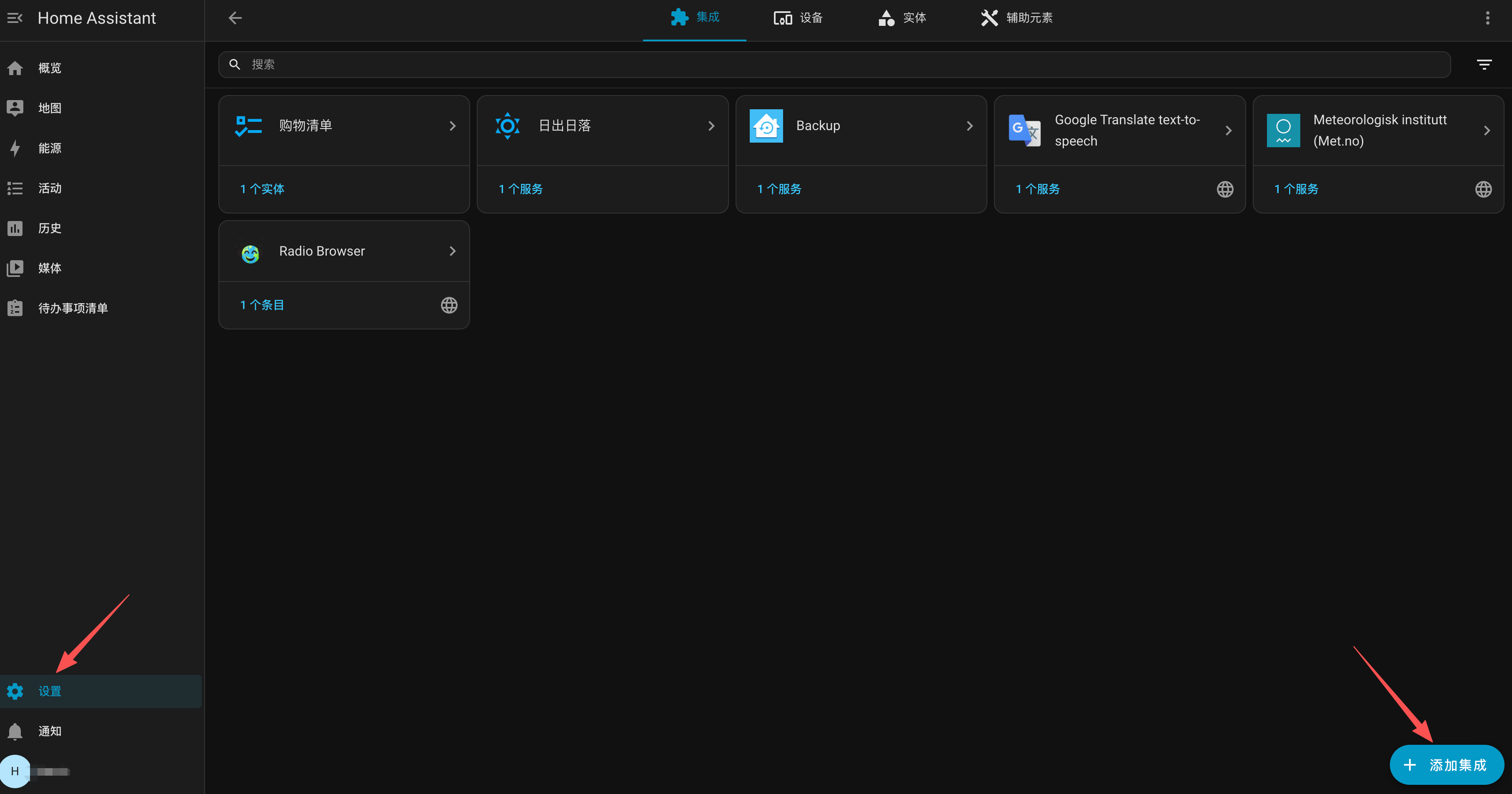
Go to Settings (bottom left), then click Add Integration.
Search for NUT and select Network UPS Tools.
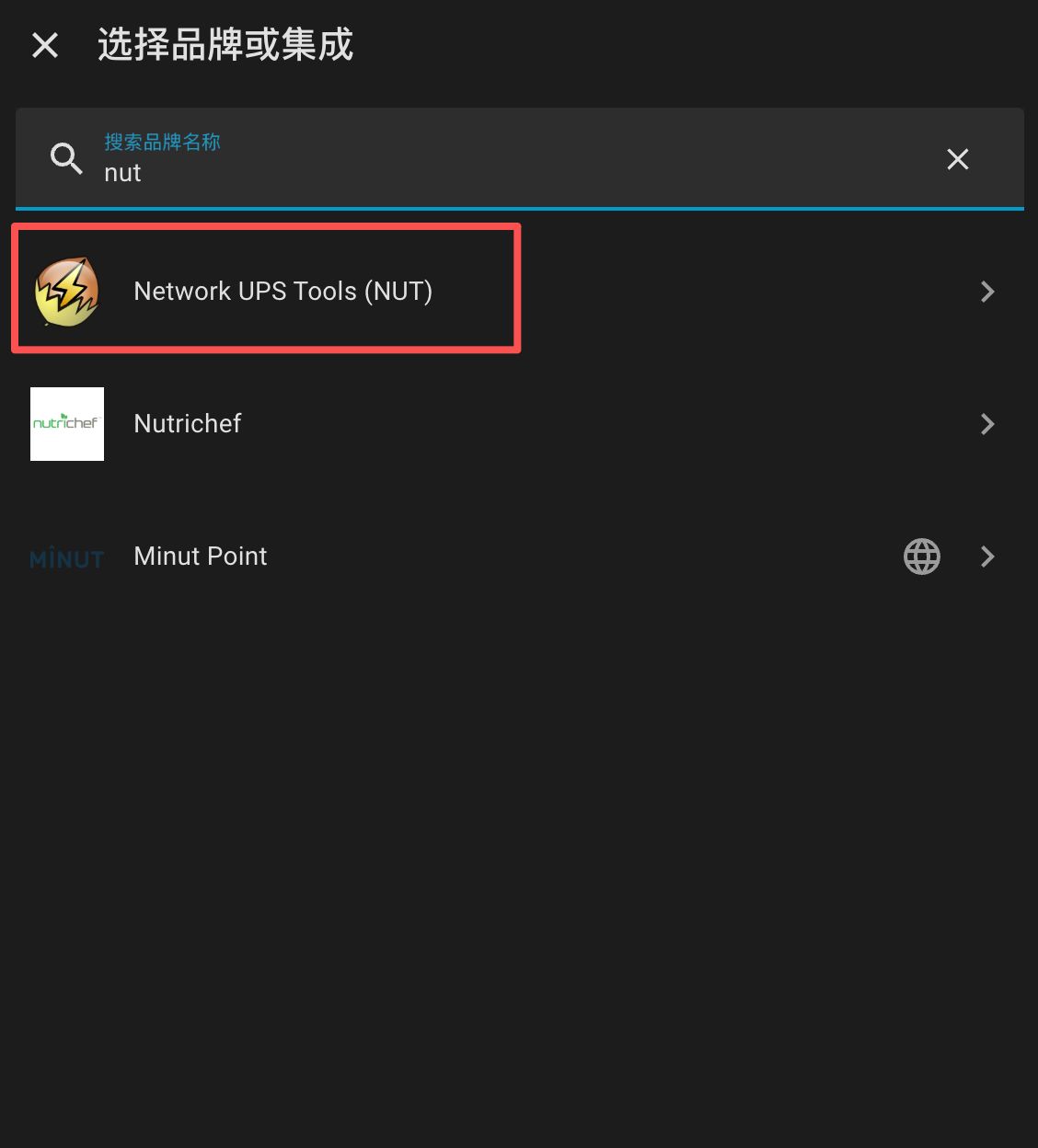
Enter your NAS IP (for example 10.1.1.243). If your NUT server uses a password, enter it as well.

Display and Settings
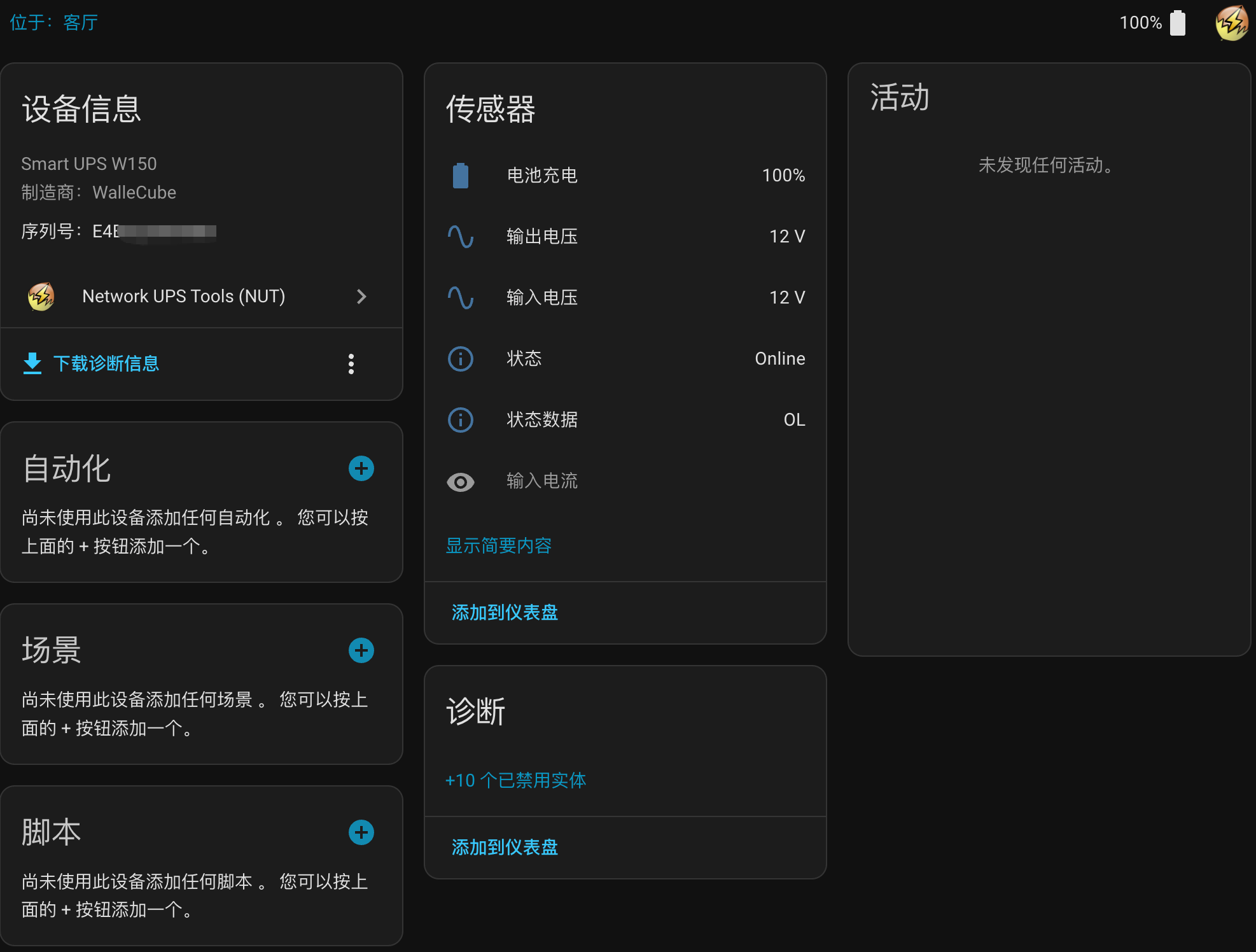
After submitting, Home Assistant shows UPS brand and model.
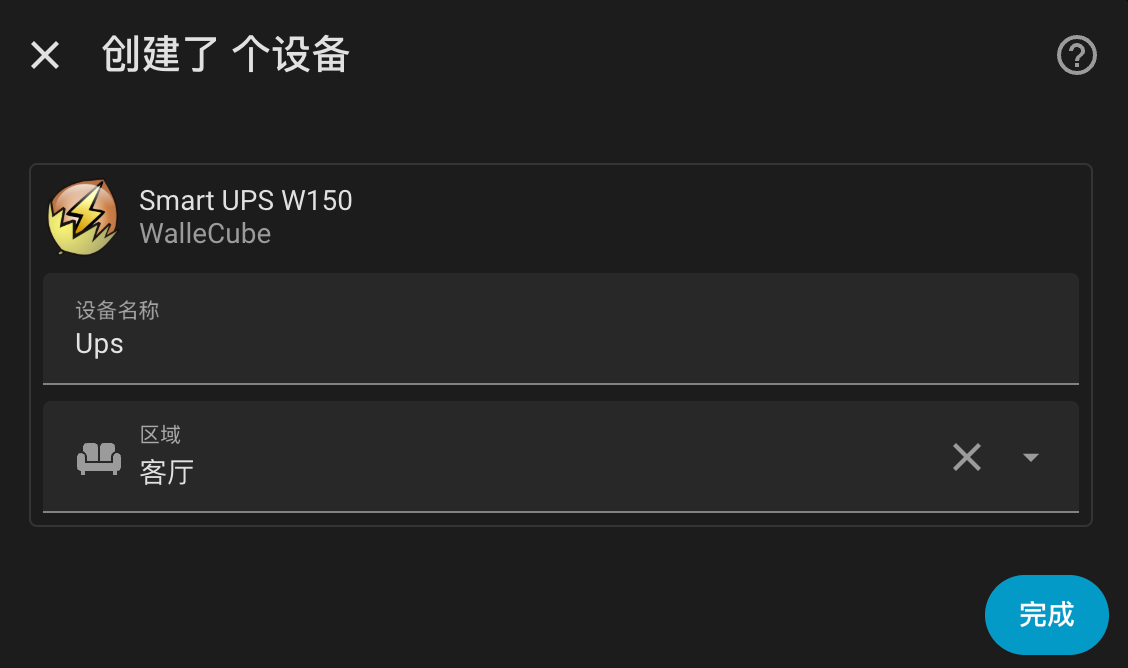
You can also view more UPS telemetry, such as battery voltage.